
Lasso Pricing, Plans & Creator Fit
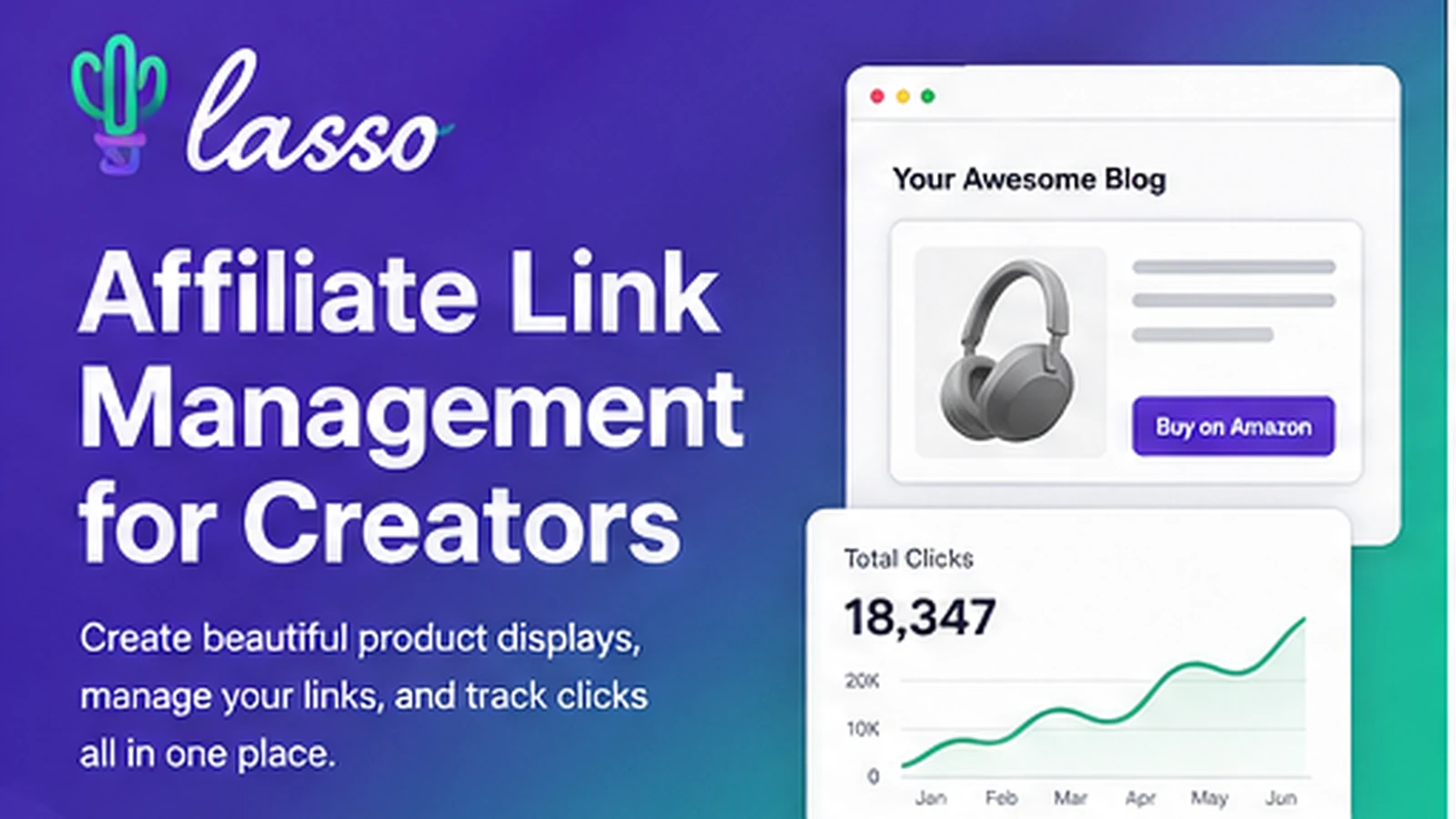
Lasso is best understood as an affiliate link management and monetization toolkit for creators, bloggers, niche-site owners, and publishers. It started as a WordPress affiliate plugin, but the current product also supports links beyond WordPress through embeds, Pages, YouTube, Instagram, marketplace-style brand deals, click tracking, and localization features. The buyer value is not simply link cloaking. Lasso is more useful when a creator already has product content or affiliate clicks and needs cleaner displays, centralized link management, Amazon product data, broken link alerts, click tracking, and better payout opportunities from eligible brand deals.
Fit → price → checkout
Use these routes after the official-site check: coupon first, review for fit, compare if unsure.
Lasso pricing snapshot
Fast commercial checks before pricing, coupons, or a deeper review.
Lasso product tour
Lasso's product tour should focus on the core creator workflow: create affiliate links, turn them into display boxes or comparison tables, track clicks, find link issues, and decide which plan matches the number of properties the buyer manages.
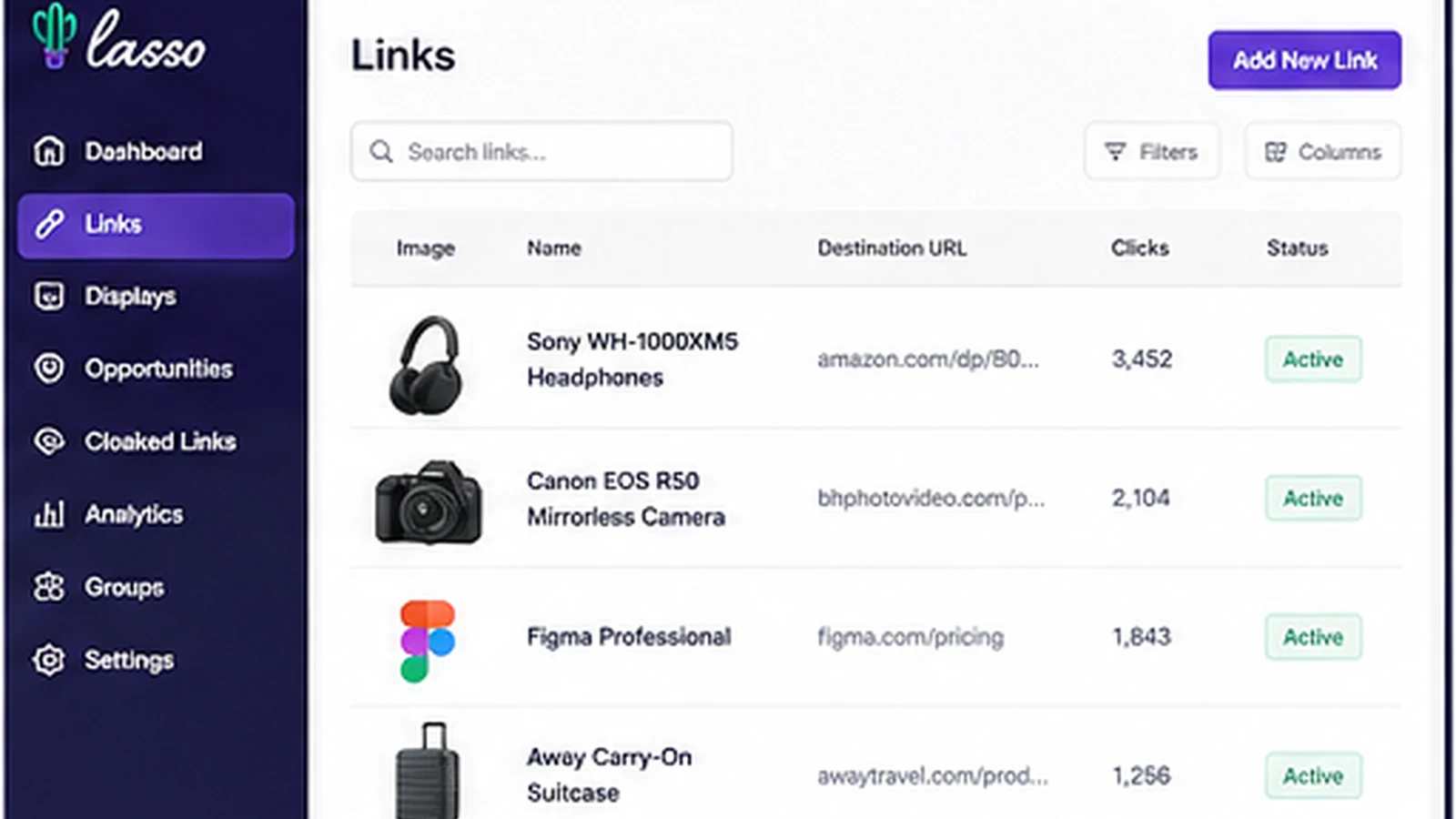
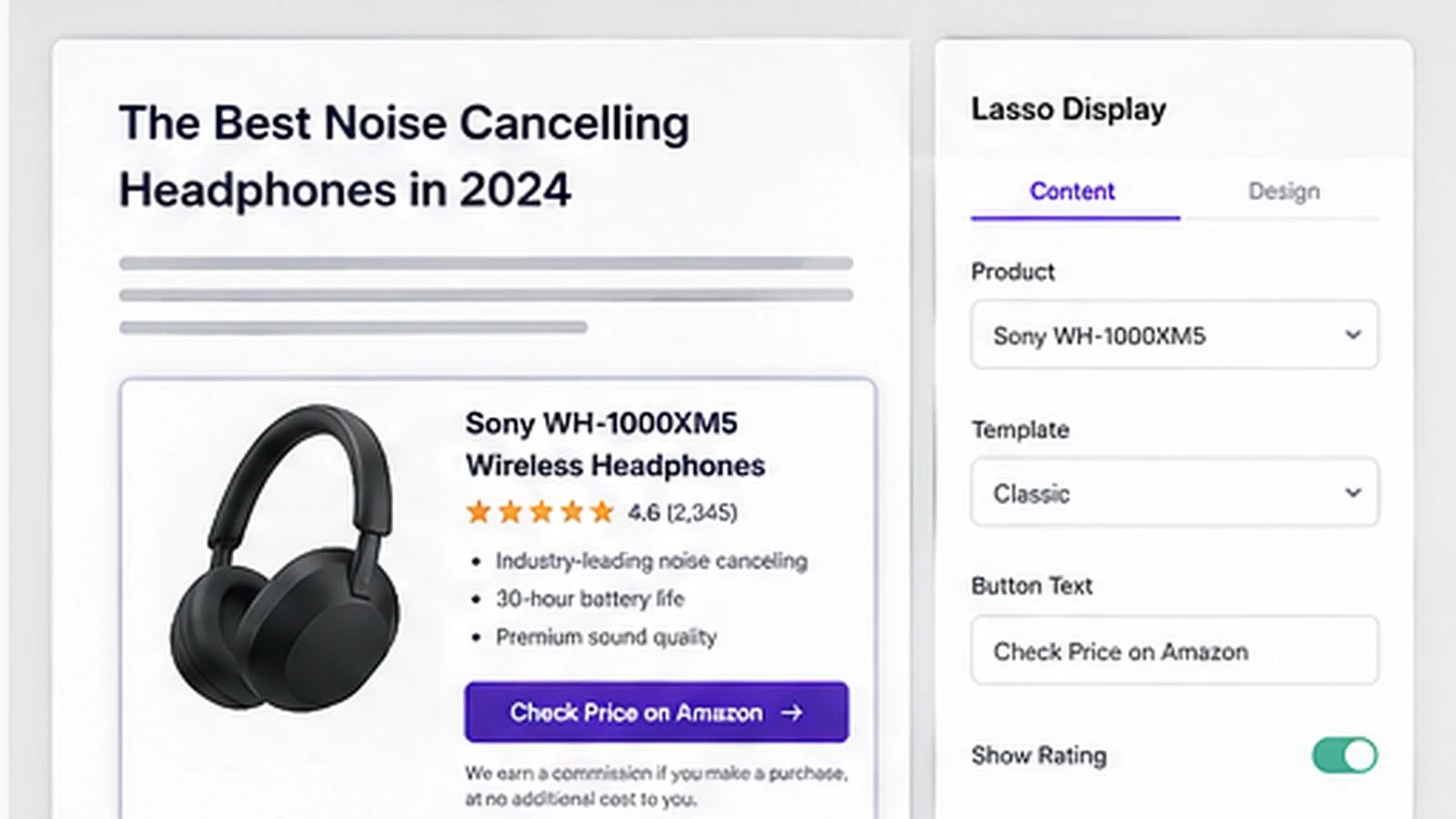
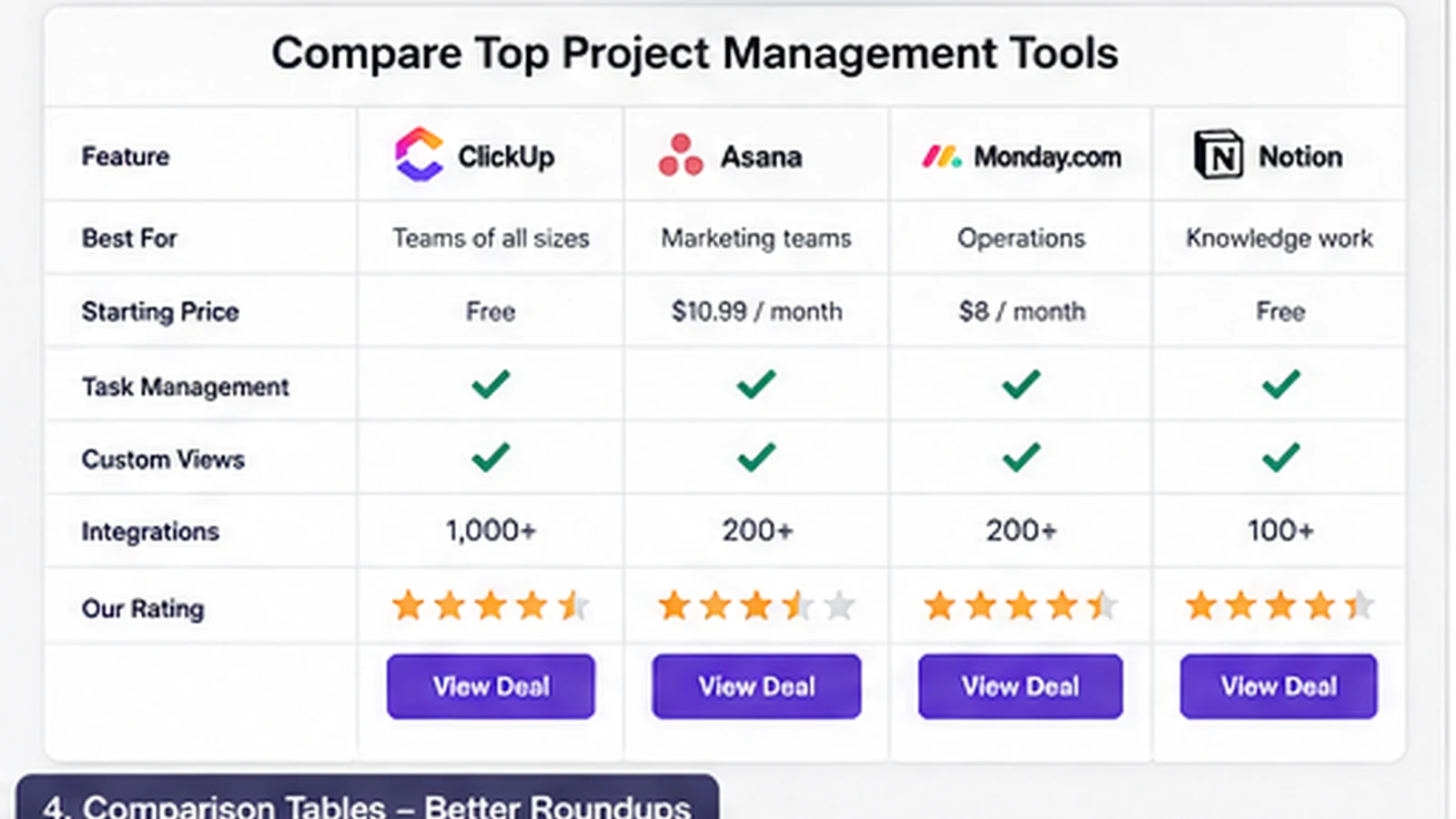
Lasso needs to be judged as a creator monetization system, not just another WordPress plugin. The product is useful when a site owner already has affiliate content, product mentions, or Amazon links and wants a cleaner way to manage, display, track, and improve those links.
The wrong buyer is someone with no traffic and no repeatable affiliate workflow yet. In that case, the free path is enough for learning. The paid plans start to make sense only when better displays, link health, analytics, localization, brand deals, or multi-property management can plausibly affect revenue.
What Lasso actually does
Lasso helps creators manage affiliate links, create product displays, build comparison tables, track clicks, find broken links, and access higher-paying brand deal opportunities for eligible products. It began as a WordPress affiliate plugin, but the current positioning is broader: bloggers, YouTubers, influencers, and website owners can use it to keep monetized links more organized.
The strongest use case is not a brand-new site with no monetized content. Lasso becomes more interesting after a creator has enough product mentions that link maintenance, display quality, and click data start to matter.
- Manage affiliate links from a central dashboard
- Create product displays, tables, grids, and link pages
- Track clicks and identify links or products that need attention
Pricing and plan fit
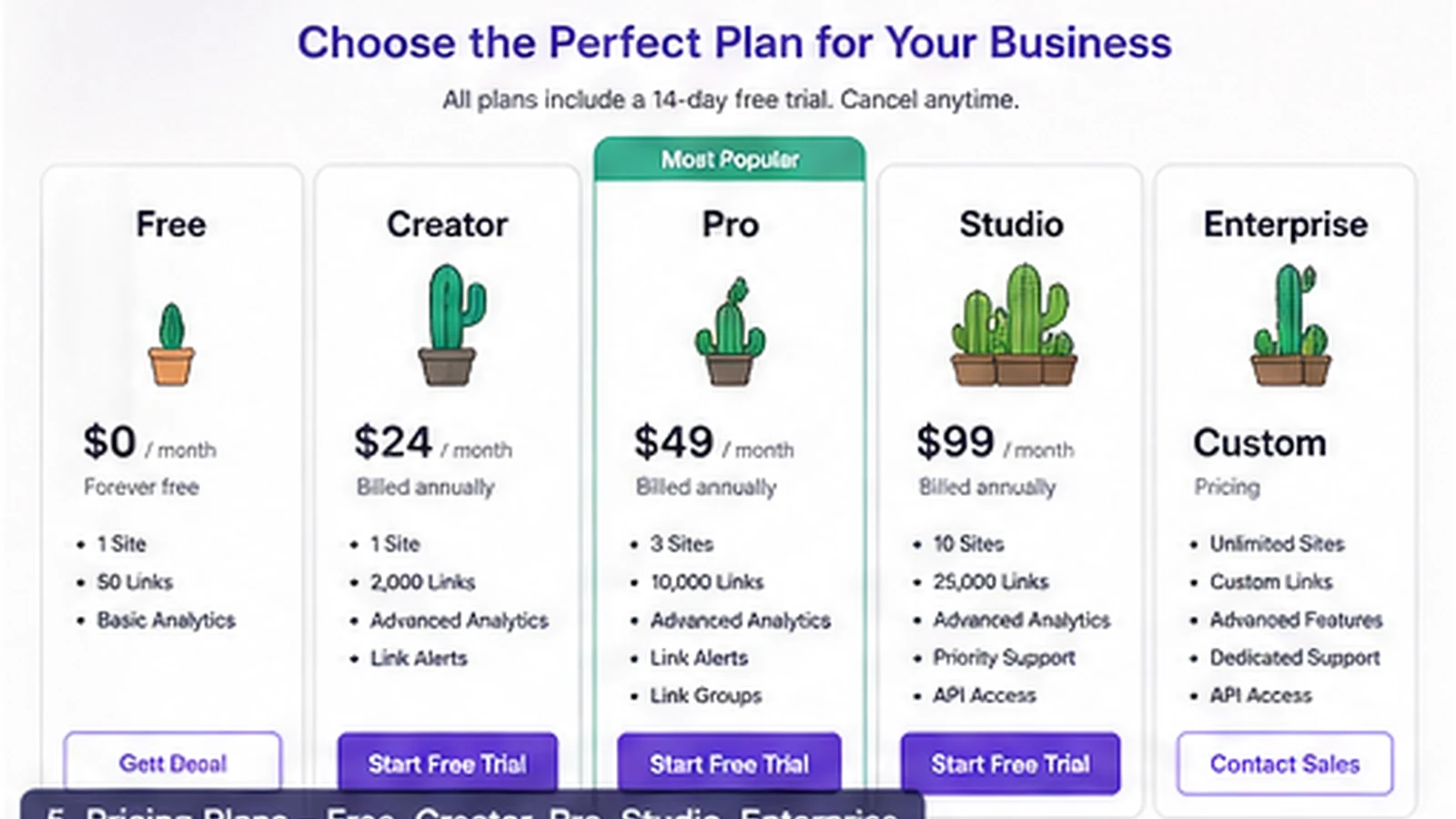
Lasso's pricing is easier to understand if you start with properties. The Free plan covers one property and basic product display or link dashboard needs. Creator is the paid entry plan for one property. Pro moves to three properties and adds more advanced analytics and localization. Studio covers five properties and adds team support and API access, while Enterprise is custom.
The plan decision should follow the workflow. A solo blogger with one site may not need Pro. A creator with a site and a YouTube channel should check whether Pro is the cleaner fit. An agency or publisher should inspect Studio or Enterprise only after confirming team and integration needs.
- Free is the safest test path for basic link management
- Creator fits one serious property
- Pro and Studio are mainly property, analytics, localization, and team-depth decisions
Where Lasso fits in a creator stack
Lasso sits between content production and affiliate revenue. It does not replace keyword research, content writing, or your affiliate network accounts. It helps after the buyer already has products to promote and needs a better way to present, update, and measure those links.
That makes it different from a simple link shortener and also different from software used by brands to run an affiliate program. Lasso is mainly for the person promoting products, not the brand managing a partner network.
- Better fit for creators and publishers than for brands running partner payouts
- Useful beside SEO tools, content workflows, and Amazon Associates
- Less useful if all you need is one occasional outbound link
What buyers should verify before checkout
The biggest checkout risk is not whether Lasso has useful features. The risk is buying the wrong tier too early. A creator should verify how many properties count toward the plan, whether YouTube or social link workflows are included in the way they expect, and whether advanced analytics or localization are actually needed.
Refund terms also matter. Lasso's refund policy is strict enough that buyers should treat upgrade decisions as final unless the live checkout states otherwise. The safer path is to test Free, compare plan limits, then upgrade only when the paid features connect to a real money-page workflow.
- Confirm property count before choosing Creator, Pro, or Studio
- Check whether annual billing savings match your expected usage period
- Read the refund policy before entering payment details
How Lasso compares with nearby alternatives
Lasso should mainly be compared against tools that solve adjacent monetization problems. AAWP is closer for Amazon-focused WordPress displays. Pretty Links and ThirstyAffiliates are more traditional link management plugins. Geniuslink is stronger when localization and cross-store routing are the main problem. Rewardful or Tapfiliate-style tools are a different category because they help brands run affiliate programs rather than creators manage affiliate links.
The practical comparison is simple: choose Lasso when you want affiliate displays, link management, click tracking, and creator monetization in one stack. Choose a lighter link plugin when the site is small. Choose affiliate program software when you are the brand paying partners.
- AAWP is a closer Amazon display comparison
- Pretty Links and ThirstyAffiliates are simpler link management comparisons
- Rewardful and Tapfiliate-style tools serve brands, not affiliate content creators
Safest next step
The safest next step is to open Lasso's pricing page, compare the Free plan against Creator and Pro, and decide whether the buyer has enough affiliate content to justify paid management. If the fit is still unclear, the review page should come before the coupon path. If the fit is already clear, the offer route can be used to check for the current official promotion or annual billing savings.
For DealBestDaily routing, this store page should work as the commercial hub. The review page handles deeper product judgment, the coupon page handles active offer mechanics, and the pricing page handles the final plan decision.
- Use Free or Lasso Lite first for basic testing
- Read the review page if workflow fit is still uncertain
- Use the pricing or offer route only after the plan tier makes sense
Best savings path from this store page
This is the clearest savings route to check once the product already looks like a fit.
Lasso pricing currently promotes an annual birthday sale with 60% off a year of Lasso. This is the strongest official savings path when it is visible on the pricing page.
Start Lasso for free
$19/month plan
Use comparison routes when the category fit is still open
Use these comparison routes when the product still looks plausible, but the category fit is not fully settled.
AAWP is the closer comparison for Amazon-heavy WordPress display boxes, while Lasso is broader for link management, analytics, localization, and creator monetization.
Geniuslink is stronger when cross-store localization and smart redirects are the main issue, while Lasso adds display and affiliate workflow tools for content publishers.
ThirstyAffiliates is a simpler link management path, while Lasso is better when product displays, tables, and click performance matter.
Rewardful is for brands running affiliate programs, while Lasso is for creators and publishers promoting products through content.
Verification points worth checking before you click out
Where this store usually fits best in the workflow
Lasso fits publishers who already have product mentions across blog posts and need a cleaner way to update displays, links, and calls to action without rebuilding every page manually.
Lasso is useful when Amazon links are a major revenue path and the buyer wants product displays, Amazon images and pricing, localization, and access to eligible higher-commission opportunities.
YouTubers, bloggers, and social creators can use Lasso to manage affiliate links across properties, but plan choice should follow the number of channels and the depth of analytics needed.
Roundups, reviews, and comparison pages can benefit from product displays and tables when the existing page already receives traffic and affiliate clicks.
Practical checkpoints before and after signup
- List the websites, YouTube channels, or creator properties that need to be managed.
- Check whether Free is enough for basic display and link testing.
- Read the refund policy before upgrading to a paid plan.
- Use Creator for one serious property when product displays and simple analytics are enough.
- Compare Pro when three properties, advanced analytics, and localization matter.
- Consider Studio only when team support or API access is a real requirement.
- Import existing links carefully and keep a rollback plan for older plugins.
- Start with a small set of money pages before rolling Lasso across the whole site.
- Track whether display changes produce more clicks rather than assuming they will.
- Review click reports and revenue impact before renewing annual billing.
- Re-check whether the property count still matches the active plan.
- Compare alternatives if Lasso is only being used as a basic redirect tool.
Fast-read signals for workflow fit and buying friction
Questions readers usually ask before choosing this store
What is Lasso best for?
Lasso is best for creators, bloggers, niche-site owners, and publishers who already promote products and want cleaner affiliate links, product displays, comparison tables, click tracking, and better link maintenance. It is not mainly for brands that need to run their own affiliate program.
Does Lasso have a free plan?
Yes. Lasso's public pricing page shows a Free plan at $0 for one property, with basic single product displays, Amazon images when using your API, a simple link dashboard, and support docs. It is the safest first step for buyers who have not proven paid-plan value yet.
How much does Lasso cost?
At the latest public check, Lasso lists Creator at $19 per month, Pro at $29 per month, Studio at $59 per month, and Enterprise as custom. Annual billing is also shown with a savings cue, so buyers should confirm the live checkout total before paying.
Are Lasso paid plans refundable?
Lasso's refund policy says Creator plans and Seller plans are not refundable, and its terms state that purchases of any Lasso plan are not eligible for a refund. Buyers should verify plan fit, property count, and billing interval before upgrading.
What is the safest next step before buying Lasso?
Start with the pricing page and Free plan, then compare whether Creator, Pro, or Studio maps to your real number of properties and analytics needs. Use the review page if workflow fit is still uncertain, and use the offer path only after the product already fits your monetization workflow.
Choose the next route that matches what you still need to decide
The strongest next click depends on whether you still need product judgment, a savings route, or a broader category comparison.