
Make Pricing, Plans & Workflow Fit
Make is a visual workflow automation platform for connecting apps, moving data, and building AI-assisted business workflows without writing a full custom integration stack. It fits buyers who want more flexibility than simple one-step automations, but it also requires careful credit planning because automation cost depends on scenario design and execution volume.
Fit → price → checkout
Use these routes after the official-site check: coupon first, review for fit, compare if unsure.
Make pricing snapshot
Fast commercial checks before pricing, coupons, or a deeper review.
Free plan with up to 1,000 credits per month
Listed for 10k credits per month when billed annually
Adds priority execution, custom variables, and full-text execution log search
Adds teams, team roles, and shared scenario templates
Make product tour for automation buyers
Make is easier to judge visually than from a feature list. Buyers should look at the scenario builder, credit-based pricing, app library, and team controls before deciding whether it fits their workflow volume.
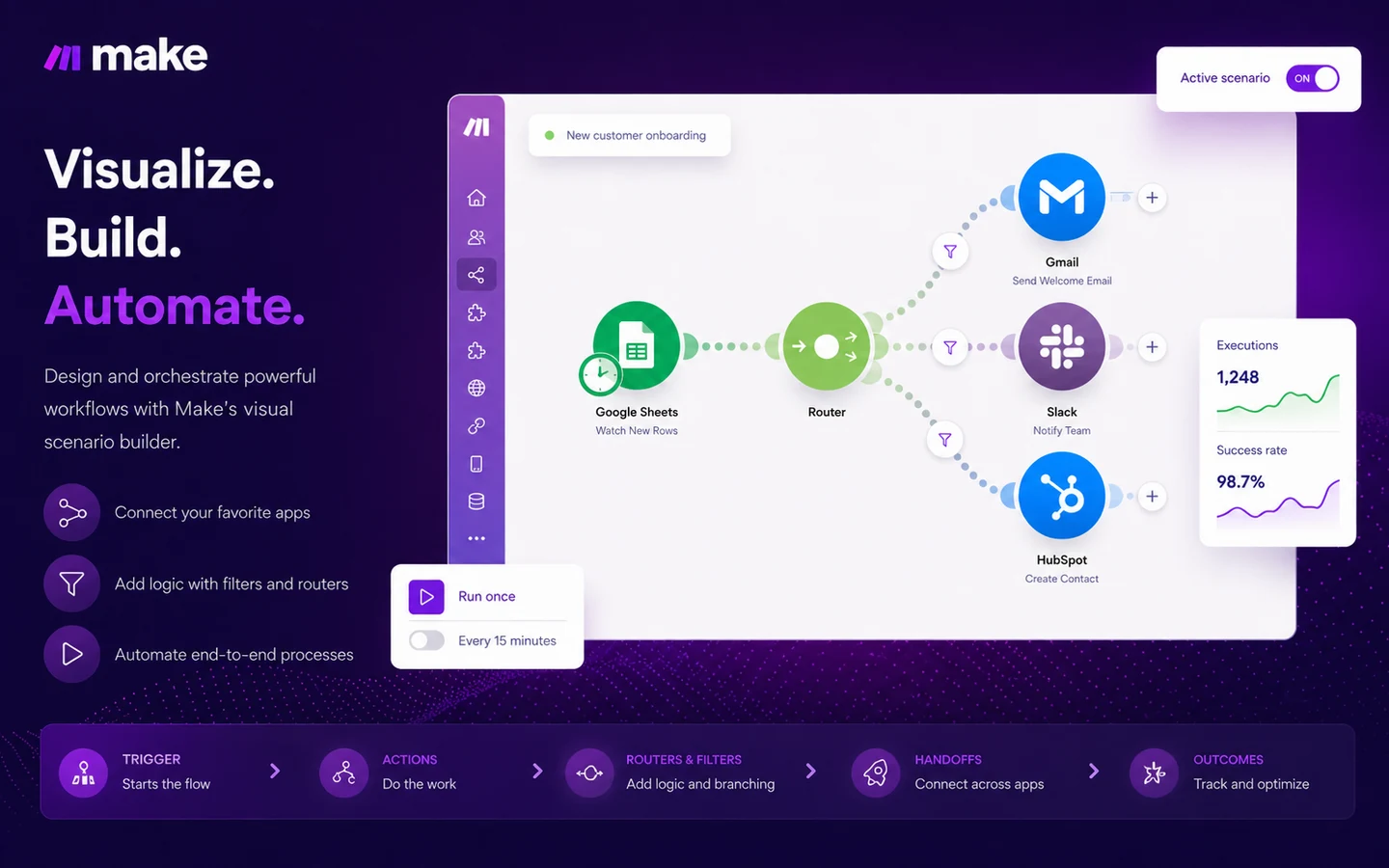
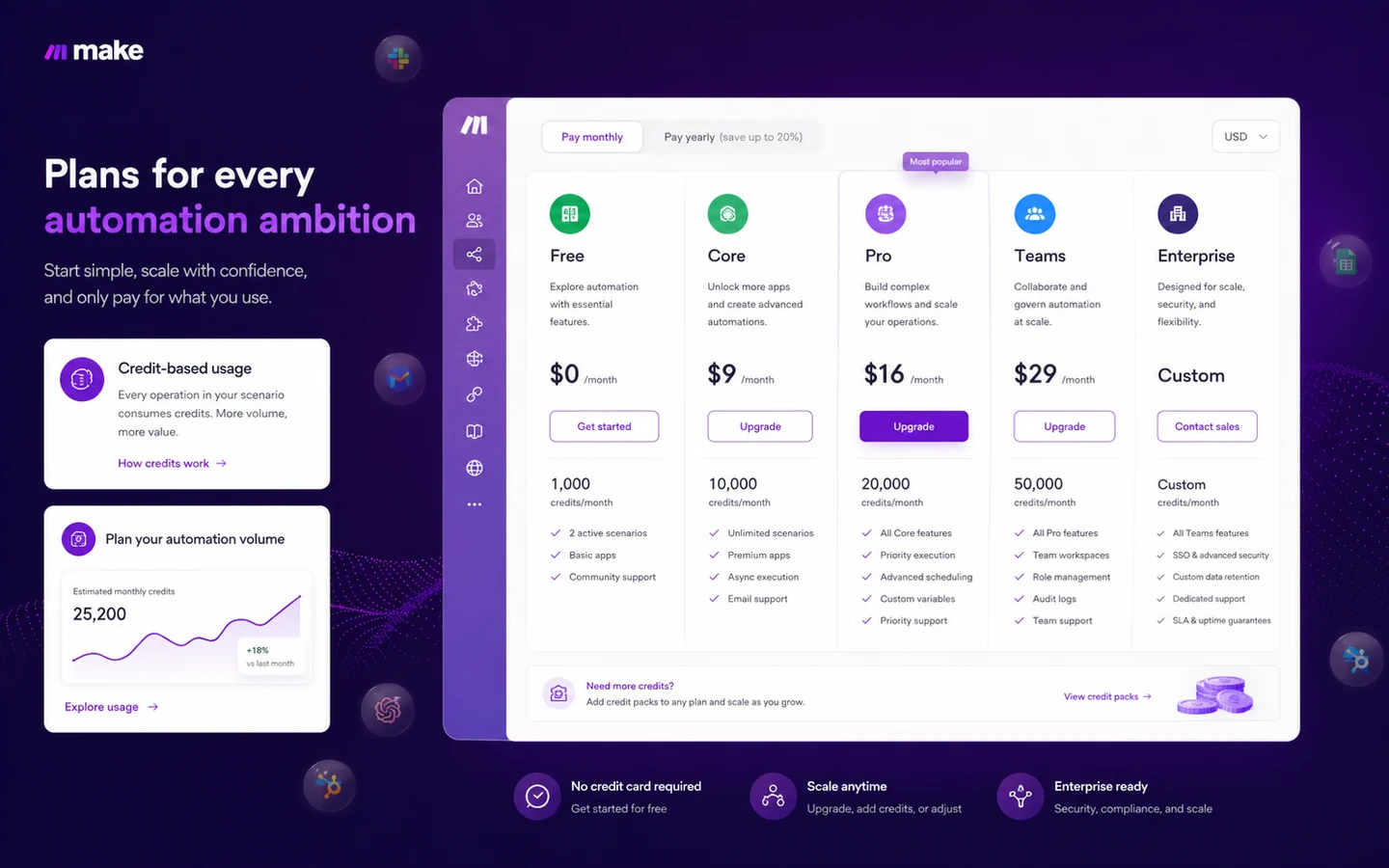
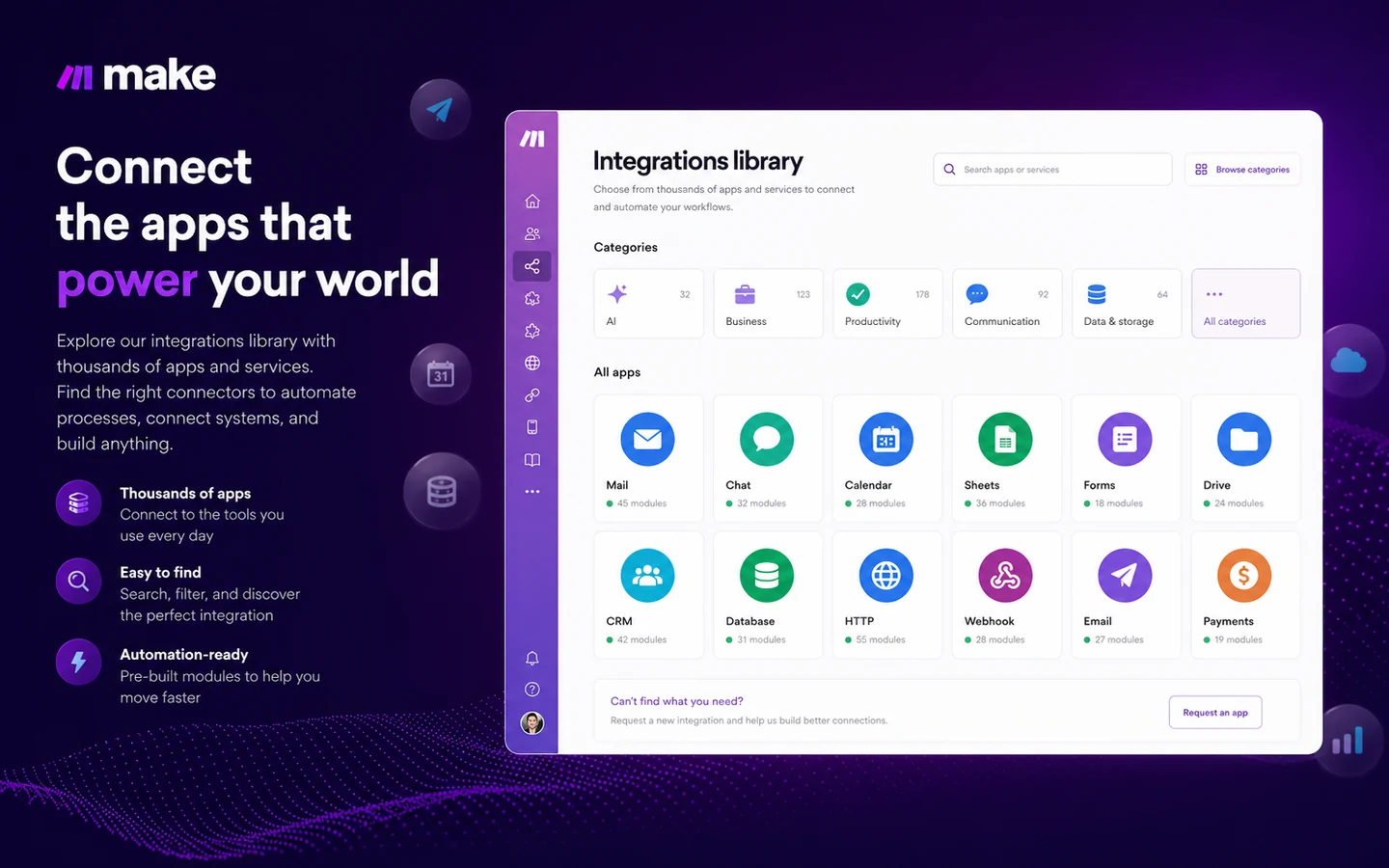
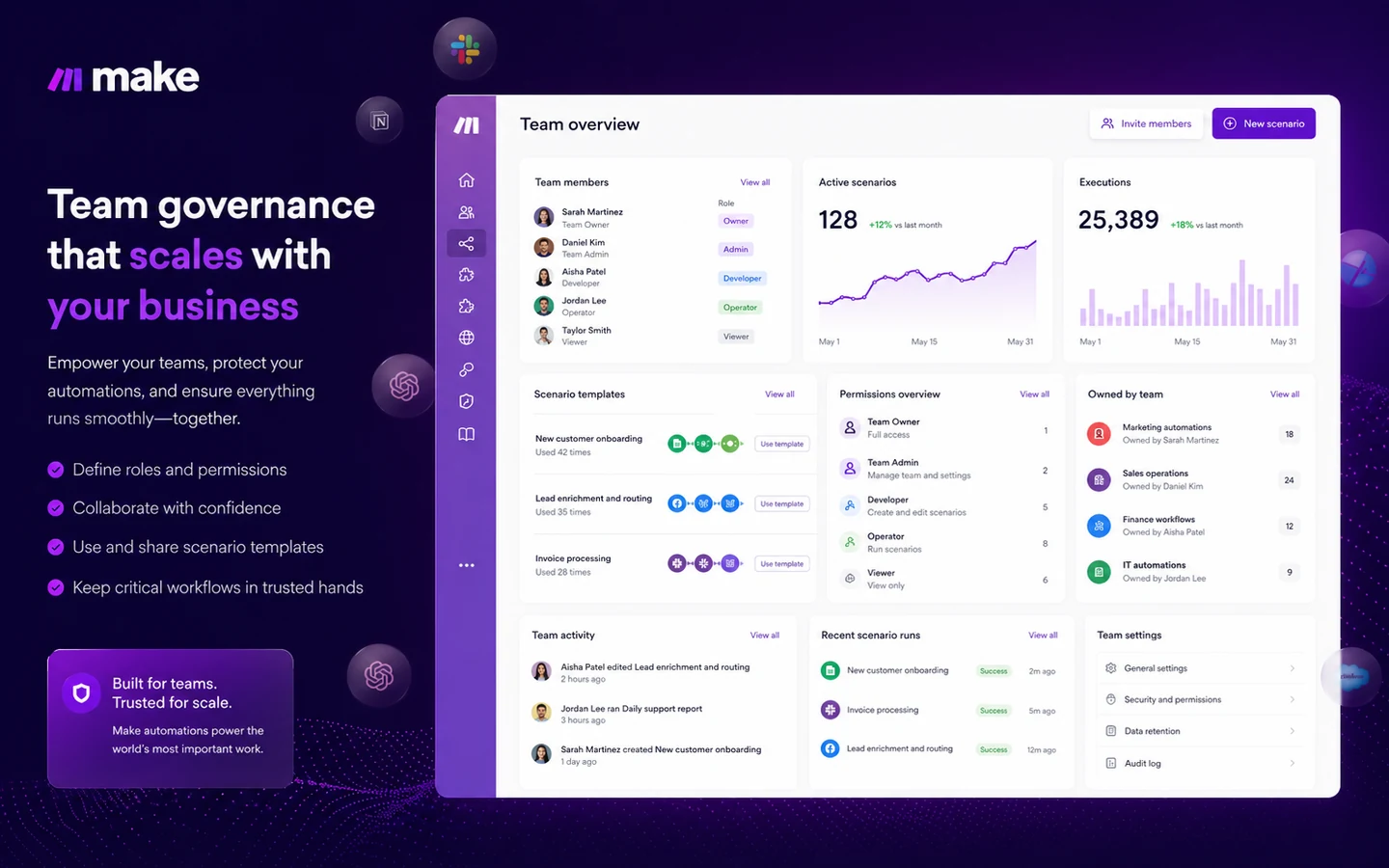
Make is a store-page decision about workflow fit, not just a cheap automation subscription. The platform can connect apps, route data, run scheduled scenarios, and now support AI and agentic automation, but the buyer still has to answer a practical question: how many steps will run every month, and who will own the workflow when something breaks?
The best path is to start with the Free plan, build one real automation, and measure the number of credits it uses before moving into Core, Pro, Teams, or Enterprise. For simple personal workflows, Make can be more power than necessary. For growing operations, the visual scenario builder and app ecosystem can be the reason it belongs on the shortlist.
What Make actually does
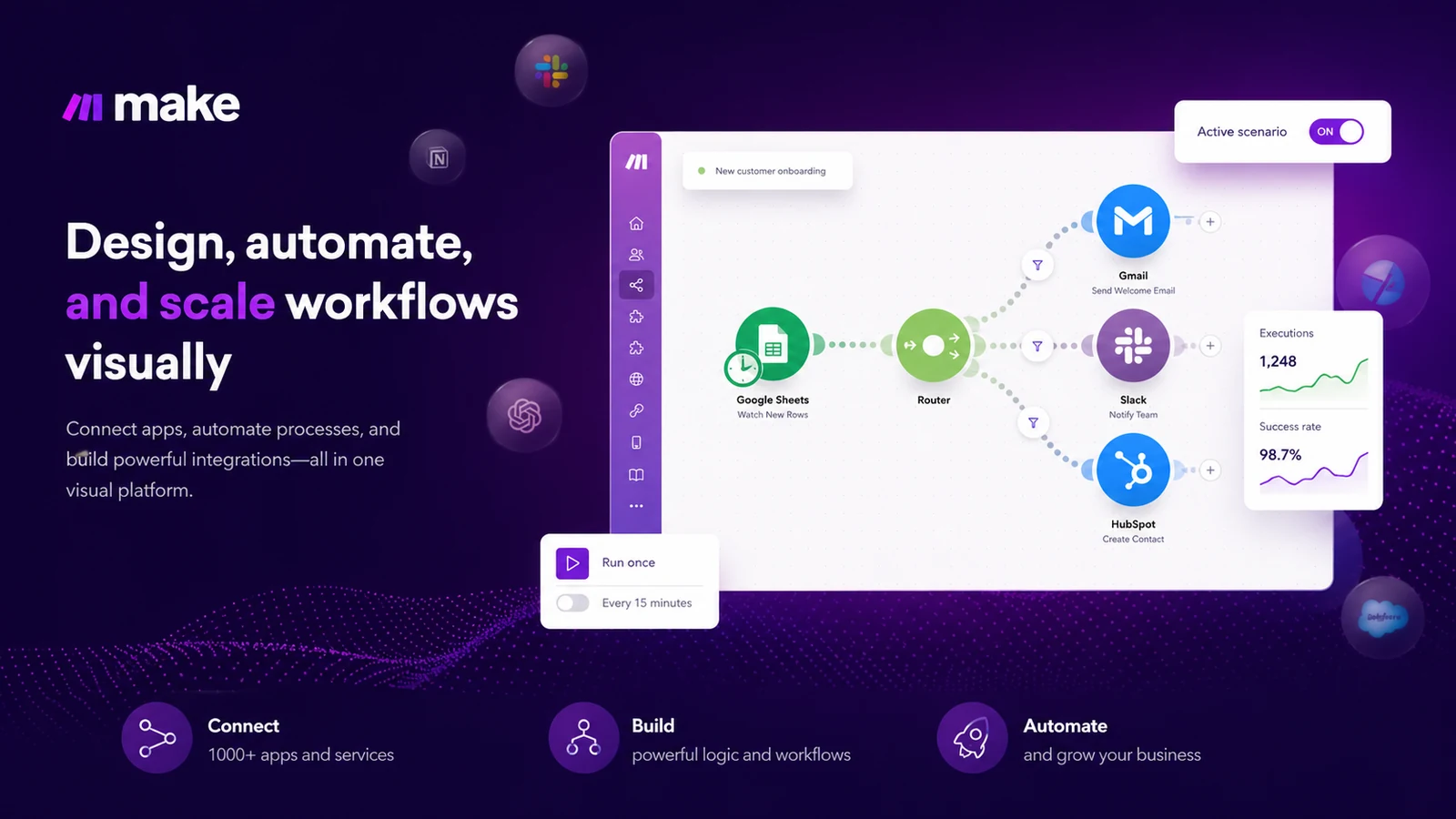
Make lets users visually build automated workflows across apps. A workflow, called a scenario, can watch for a trigger, pass data between modules, apply filters, branch with routers, transform information, and send results to another system.
This makes Make useful for lead routing, CRM updates, spreadsheet cleanup, content operations, support handoffs, invoice processes, internal notifications, and AI-assisted workflows. The value is highest when the work is repetitive, cross-app, and annoying enough that a manual checklist keeps breaking.
- Connect apps and services through visual workflow modules.
- Use filters, routers, schedules, and data transformations to control logic.
- Add AI steps or agentic automation where the process benefits from model-based decisions.
Pricing, credits, and plan fit
Make pricing is credit-based. The Free plan offers up to 1,000 credits per month, and paid tiers scale by credits and features. Core is the practical first paid tier for many users because it adds unlimited active scenarios, finer scheduling, higher data limits, and access to the Make API. Pro adds performance and log-search features. Teams adds collaboration features such as team roles and shared scenario templates.
The buying mistake is treating the plan price as the only cost. A scenario with many modules, frequent schedules, or multiple branches can consume credits faster than expected. A buyer should test one live workflow, check how credits are consumed, then decide whether the annual discount is worth taking.
- Free is useful for learning and testing low-volume automations.
- Core fits buyers who need real ongoing scenarios and API access.
- Pro makes more sense when execution priority and log search save debugging time.
- Teams is for shared ownership, roles, and team workflow management.
Free plan, annual savings, and coupon reality
Make has a real free plan, not just a short trial. That is the best way to test the interface and build the first scenario. The official pricing page also promotes annual-billing savings, which can be useful once a buyer understands expected credit usage.
A public coupon code was not verified strongly enough to build the buying path around it. For Make, the practical savings route is to avoid overbuying credits, use the Free plan for testing, and choose annual billing only when workflow volume is predictable. Random coupon pages should be treated as secondary until a code is verified at checkout.
API, custom apps, and technical flexibility
Make is not only a no-code interface. The developer hub includes Make API documentation, custom app documentation, and API reference material. That matters for teams that need to control Make programmatically, connect internal systems, or build integrations that are not available as ready-made app modules.
This is also where buyer fit starts to split. A non-technical solo user may never need the API. A team with internal tools, client systems, or operational dashboards may consider API access and custom app work a real advantage.
- API access is listed from the Core plan on the pricing page.
- Developer docs support programmatic access to Make data and platform controls.
- Custom app documentation helps technical teams build connectors when prebuilt apps are not enough.
Team and enterprise buying checks
Make becomes more sensitive once automations are shared across a team. If a scenario updates CRM data, triggers customer emails, processes invoices, or coordinates support tickets, ownership and permissions matter. The Teams plan adds roles and shared scenario templates, while Enterprise adds custom functions, enterprise integrations, advanced security features, 24/7 enterprise support, overage protection, and value engineering access.
Team buyers should not buy Make only because one operator likes the builder. They should confirm who can edit scenarios, who monitors failures, how templates are shared, and whether security requirements push the company toward Enterprise.
- Check team roles before sharing business-critical automations.
- Confirm whether enterprise security, SSO, support, or overage protection are required.
- Assign workflow ownership before an automation becomes part of daily operations.
Relevant alternatives to compare
The closest Make alternatives are Zapier, n8n, Pabbly Connect, Activepieces, and Workato. Zapier is often easier for simple app-to-app automations. n8n is attractive for technical teams that want self-hosting or deeper control. Pabbly Connect can appeal to cost-sensitive buyers. Activepieces is worth checking for open-source or AI-agent-oriented automation experiments. Workato is more enterprise-oriented.
Make belongs on the shortlist when the buyer wants a visual builder with flexible logic, many app connectors, AI automation direction, and a middle ground between beginner automation and heavier enterprise integration platforms.
- Compare Zapier if ease and app ecosystem matter more than visual scenario control.
- Compare n8n if self-hosting, developer control, or open-source flexibility is important.
- Compare Pabbly Connect if cost predictability is the main pressure.
- Compare Workato if the buyer is a larger enterprise with heavier governance and integration needs.
Best savings path from this store page
This is the clearest savings route to check once the product already looks like a fit.
A public coupon directory reports working Make checkout codes and a first-purchase coupon path. Treat this as a checkout-test route rather than an official guaranteed discount.
12 months free partner application path
Make Plan from $9 per month yearly
Use comparison routes when the category fit is still open
Use these comparison routes when the product still looks plausible, but the category fit is not fully settled.
Often easier for simple trigger-action workflows and broad app coverage, but complex logic can become harder to manage.
Better for technical teams that want self-hosting, developer flexibility, or more direct control over workflow infrastructure.
Worth checking when buyers care most about predictable pricing and simpler automation needs.
Useful for teams exploring open-source automation and AI-agent workflows with a different platform philosophy.
Verification points worth checking before you click out
Where this store usually fits best in the workflow
Make can move leads from forms, ads, spreadsheets, or enrichment tools into a CRM, then notify the right sales channel or owner.
Teams can connect briefs, calendars, spreadsheets, AI tools, publishing systems, and approval steps into repeatable workflows.
Make fits routine work such as moving data between tools, updating records, sending notifications, and reducing spreadsheet-driven manual handoffs.
Buyers can use Make with AI apps and agents to classify, summarize, route, enrich, or draft information inside broader processes.
Practical checkpoints before and after signup
- List the apps, triggers, actions, and expected monthly run frequency.
- Estimate credits from module actions rather than guessing from the monthly plan price.
- Use the Free plan to test whether the workflow can run reliably before upgrading.
- Build one workflow at a time and check credit usage after test runs.
- Name scenarios clearly so future owners can understand what each automation does.
- Document where errors should be monitored and who is responsible for fixing failed runs.
- Decide whether the team needs shared templates, roles, audit habits, or enterprise security checks.
- Review cancellation behavior and unused-credit handling before annual billing.
- Compare Zapier, n8n, Pabbly Connect, Activepieces, or Workato if Make's pricing or workflow style does not fit.
Fast-read signals for workflow fit and buying friction
Questions readers usually ask before choosing this store
What is Make used for?
Make is used to build visual automations between apps. Buyers commonly use it for lead routing, CRM updates, content operations, notifications, spreadsheet workflows, support processes, AI-assisted routing, and internal operations tasks.
Does Make have a free plan?
Yes. Make lists a Free plan with up to 1,000 credits per month, a visual workflow builder, routers and filters, 3,000+ apps, customer support, and a 15-minute minimum interval between runs.
How does Make pricing work?
Make pricing is based on plans and monthly credits. Each module action in a scenario counts as a credit, so buyers should estimate scenario complexity and run frequency before choosing a paid tier.
Is Make better than Zapier?
Make is often better when the buyer wants a visual scenario builder with branching, filters, and more visible workflow logic. Zapier can be easier for simpler one-step or straightforward app-to-app automations. The safer choice depends on workflow complexity and who will maintain it.
What should I verify before paying for Make?
Verify monthly credit needs, billing period, cancellation behavior, API requirements, team roles, enterprise security needs, and whether your exact apps support the triggers and actions needed for the workflow.
Choose the next route that matches what you still need to decide
The strongest next click depends on whether you still need product judgment, a savings route, or a broader category comparison.